

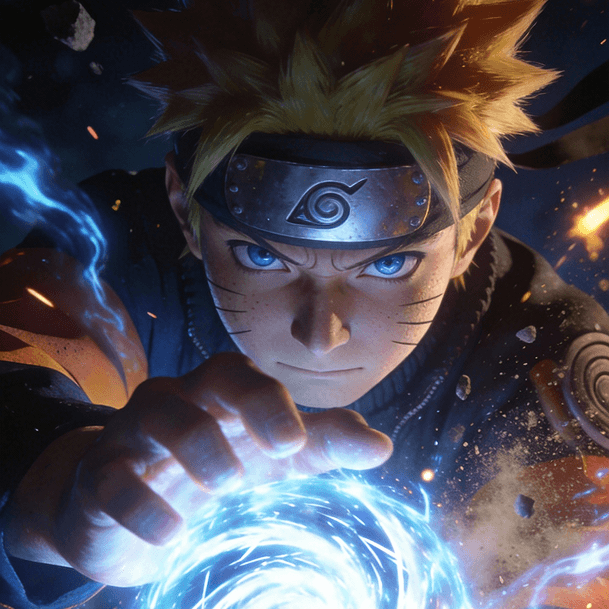
Photo To Anime For Anime Profile Pictures
Turn selfies and portraits into cleaner anime avatars for icons, bios, and social platforms.
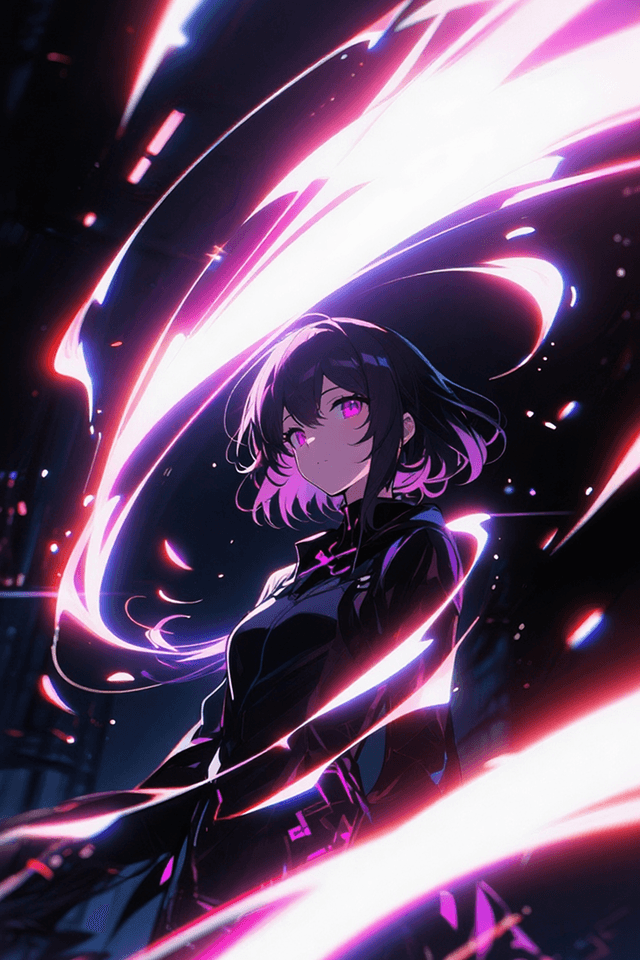
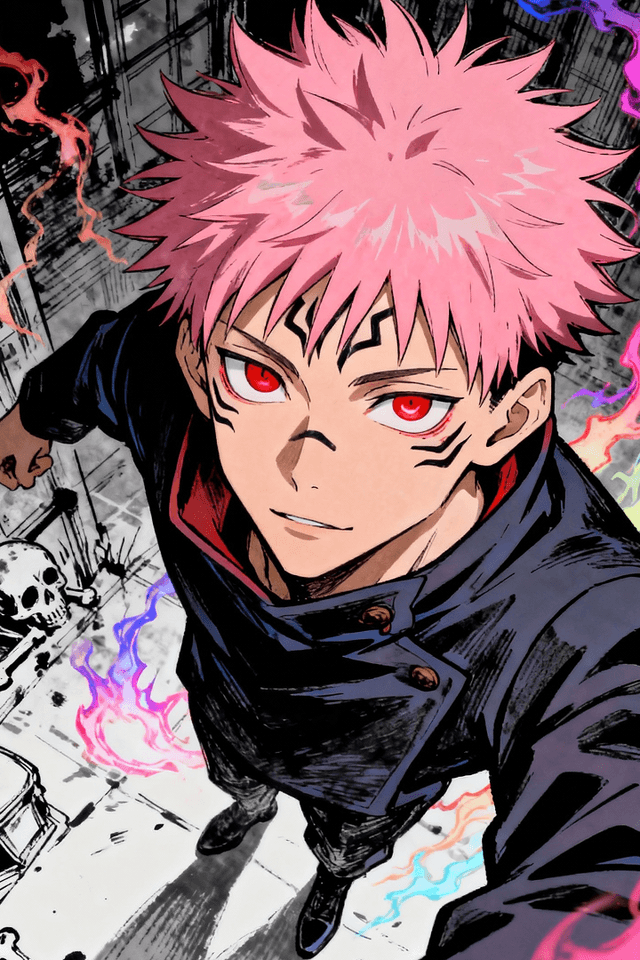
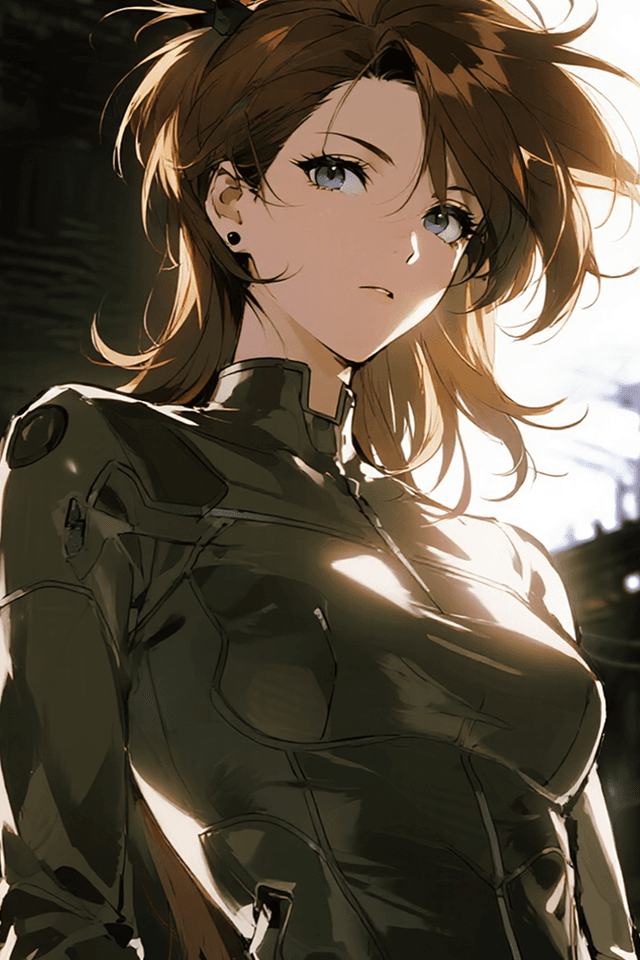
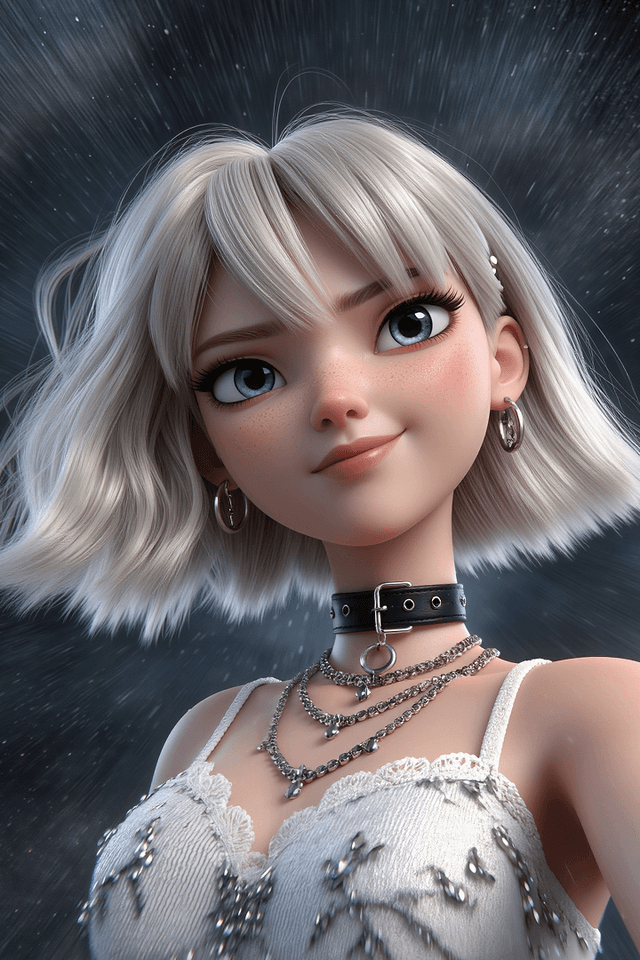
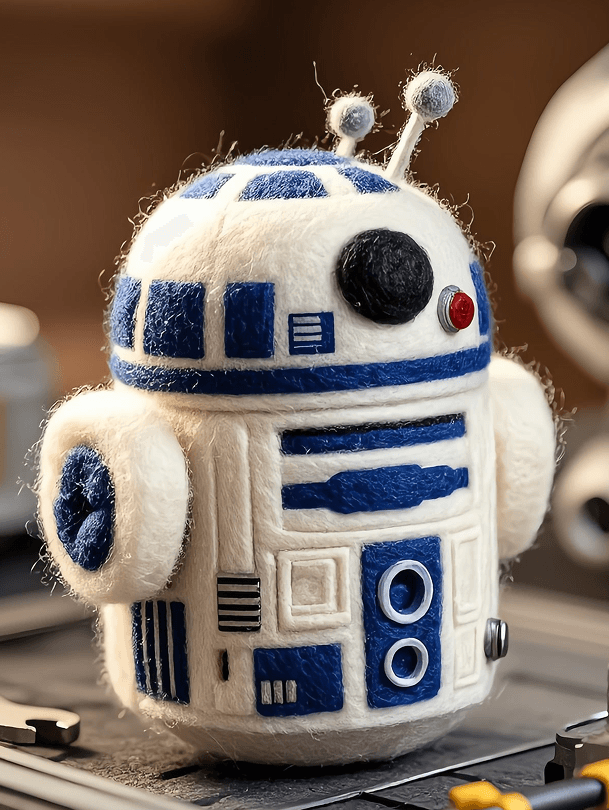
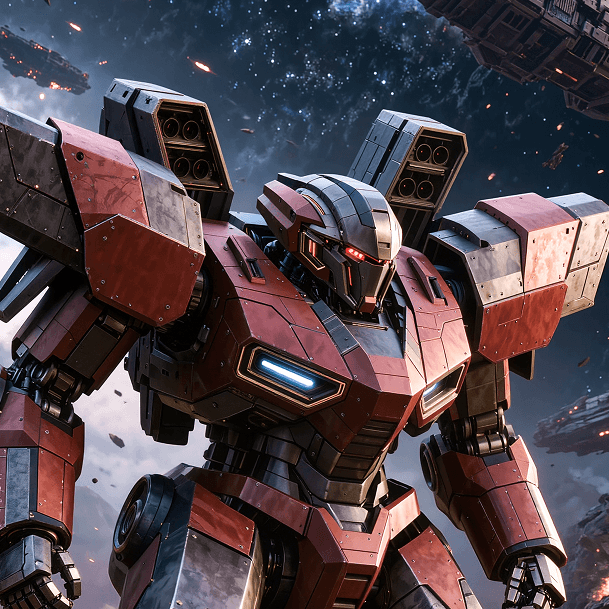
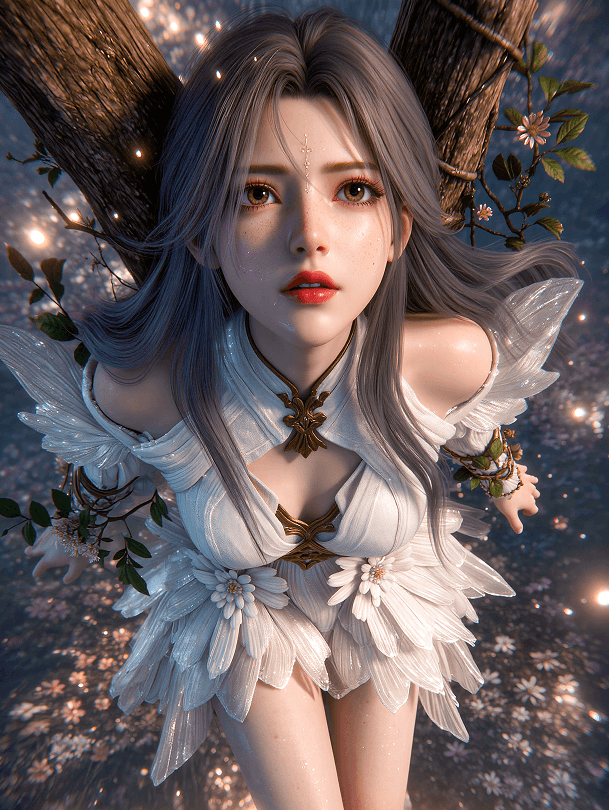
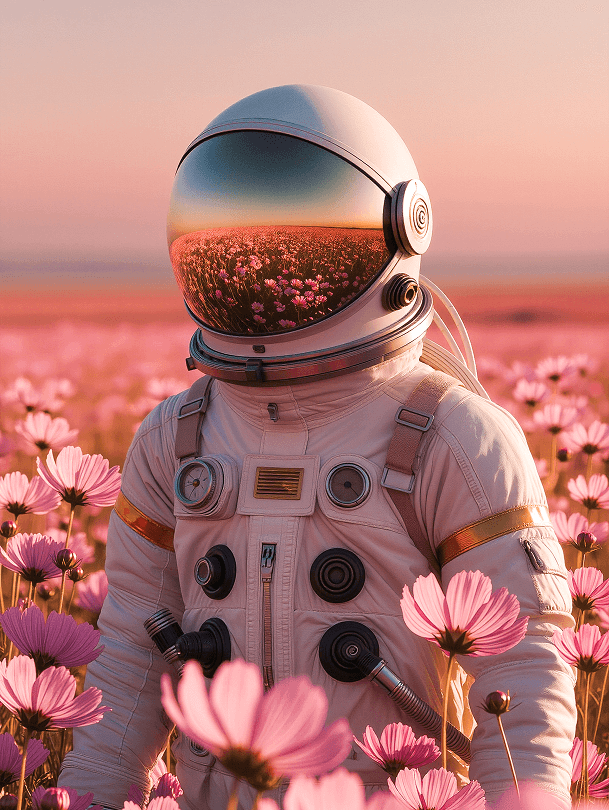
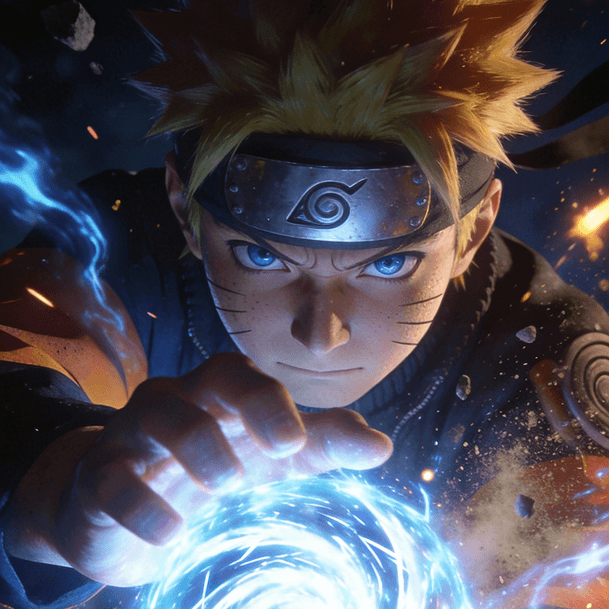
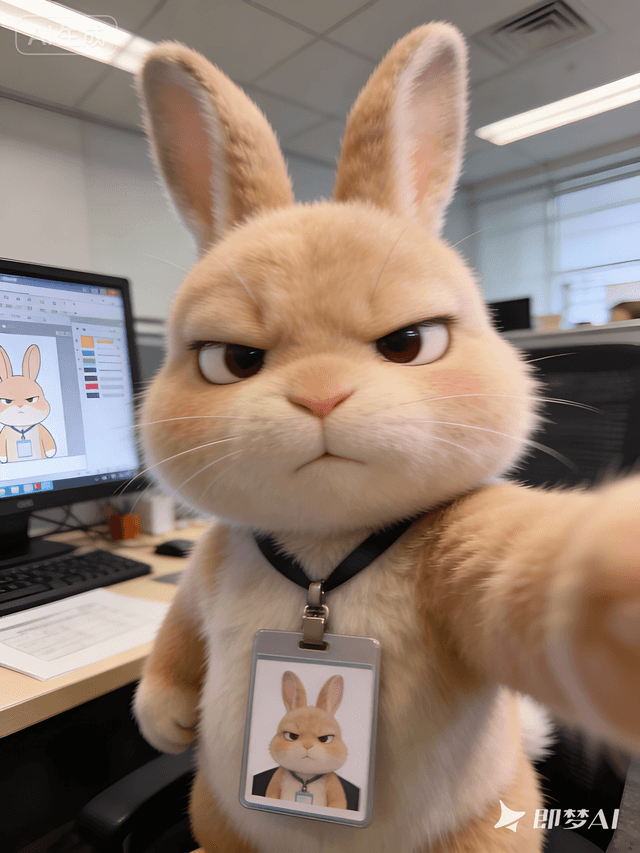
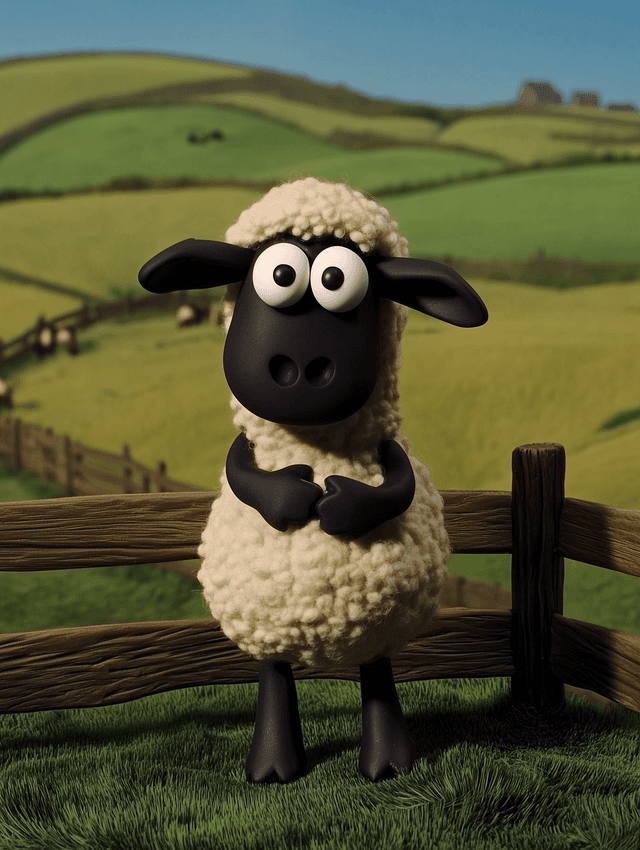
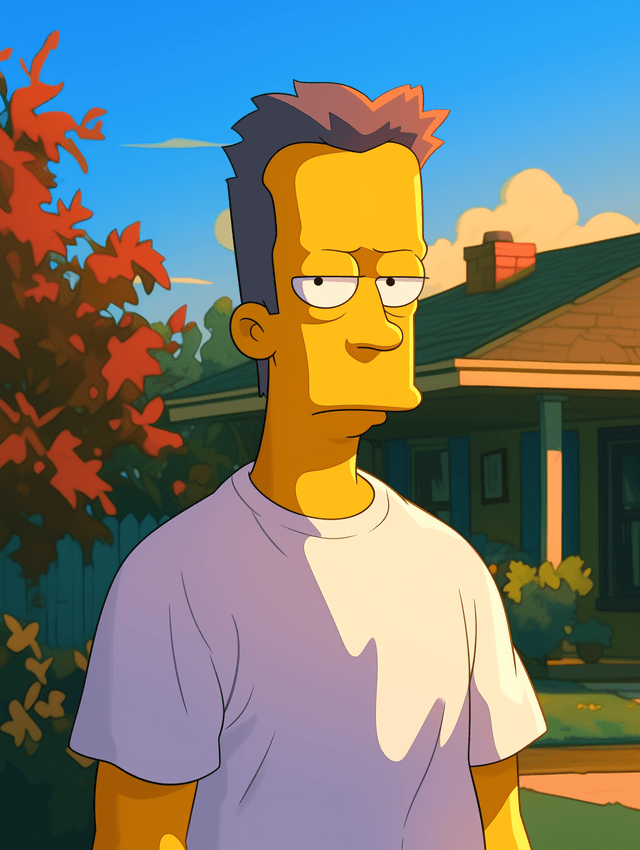
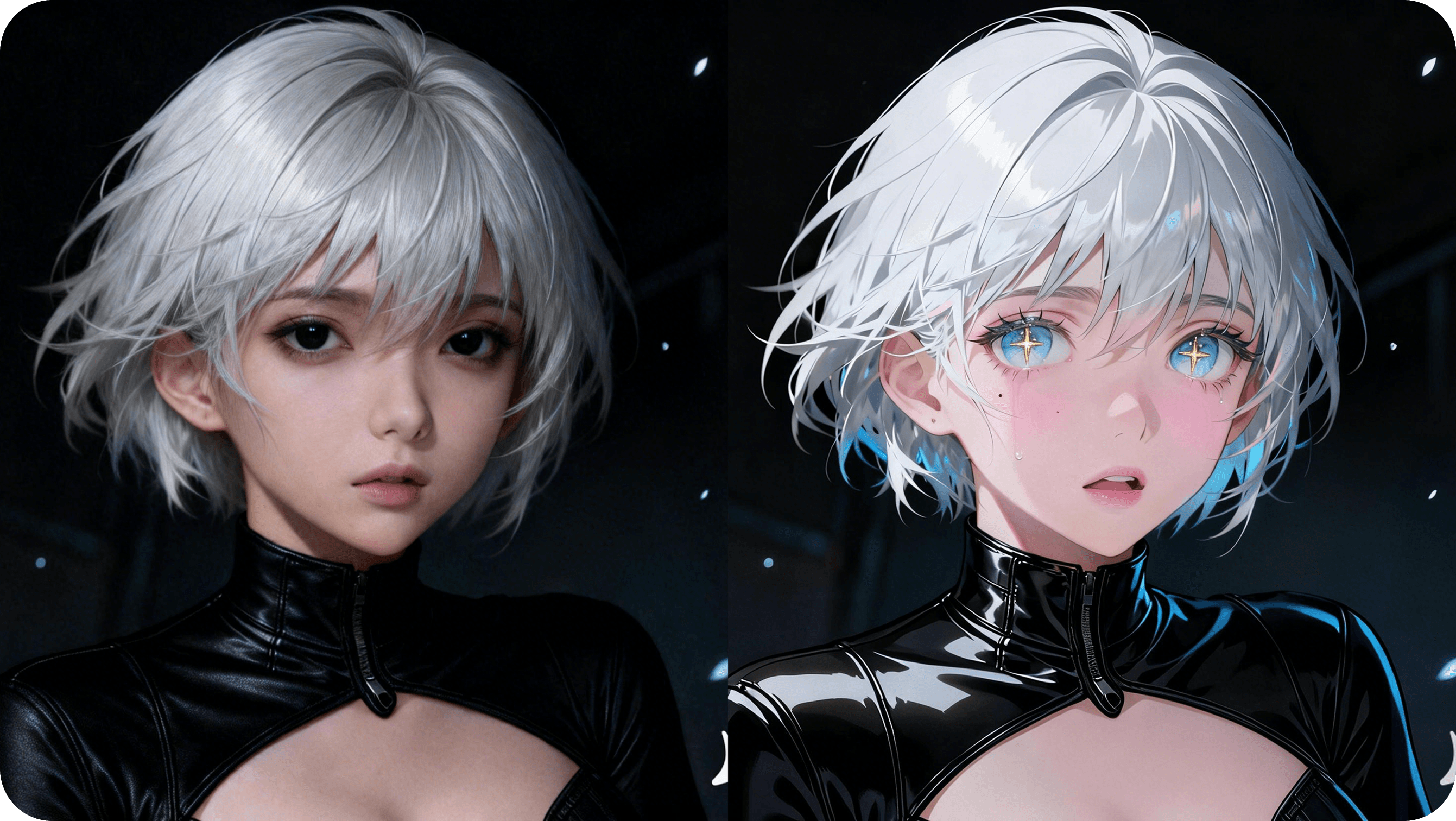
Convert selfies, portraits, and photos into anime-style images while keeping the original subject, framing, and personality easier to recognize.
Photo To Anime is an image-to-anime workflow that starts from a real photo and transforms it into anime-style artwork. It is best for users who already have a strong portrait or scene and want to restyle it instead of generating a completely new image from scratch.

This workflow is built for photo transformation, which means the goal is not just to make something anime-inspired, but to make your existing image feel convincingly anime.
Turn selfies and portraits into cleaner anime avatars for icons, bios, and social platforms.
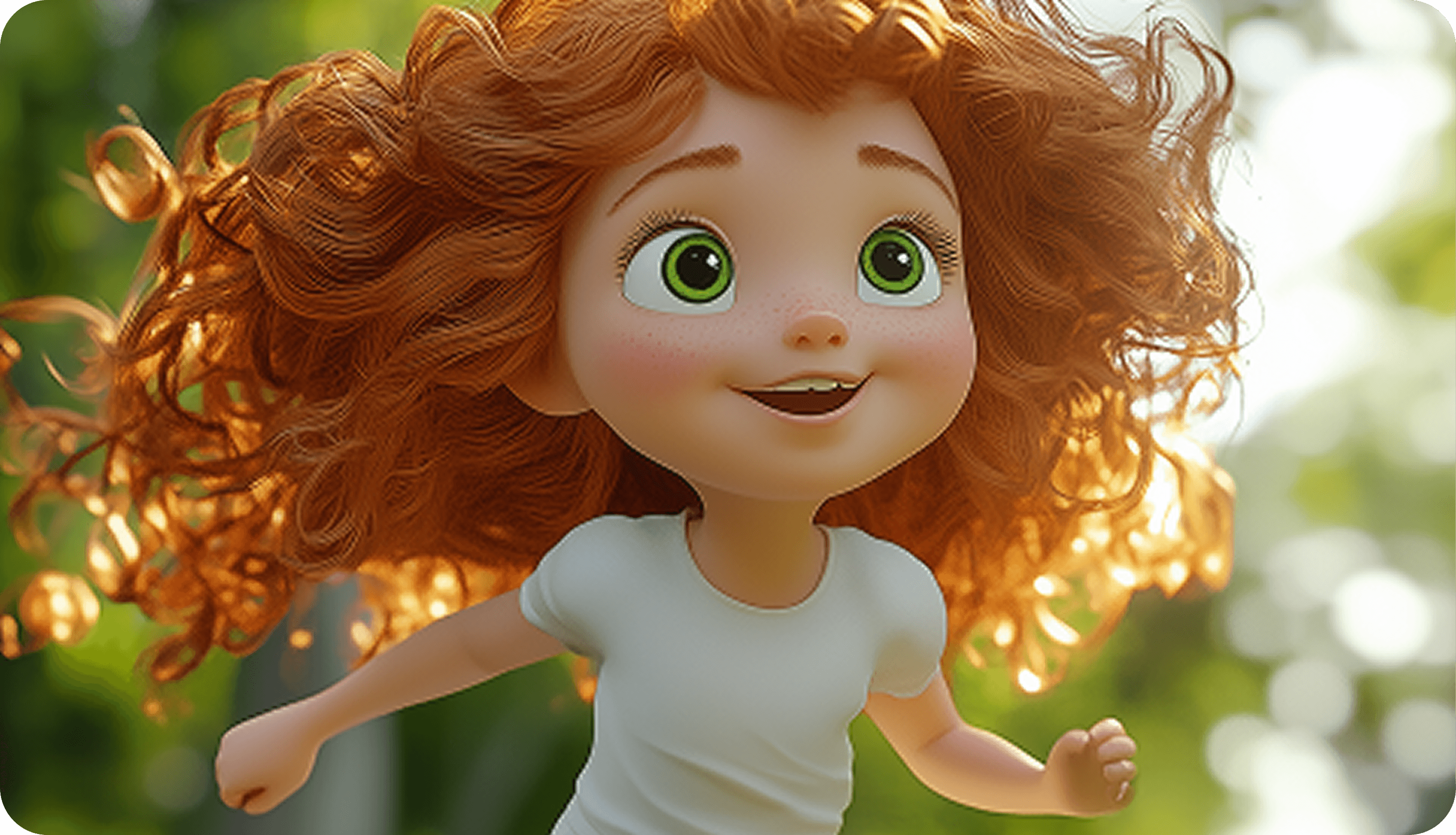
Convert real photos into anime portraits with stronger color, simplified rendering, and more illustrated character appeal.
Create anime-style versions of your photos for shareable edits, trend posts, and fandom visuals.
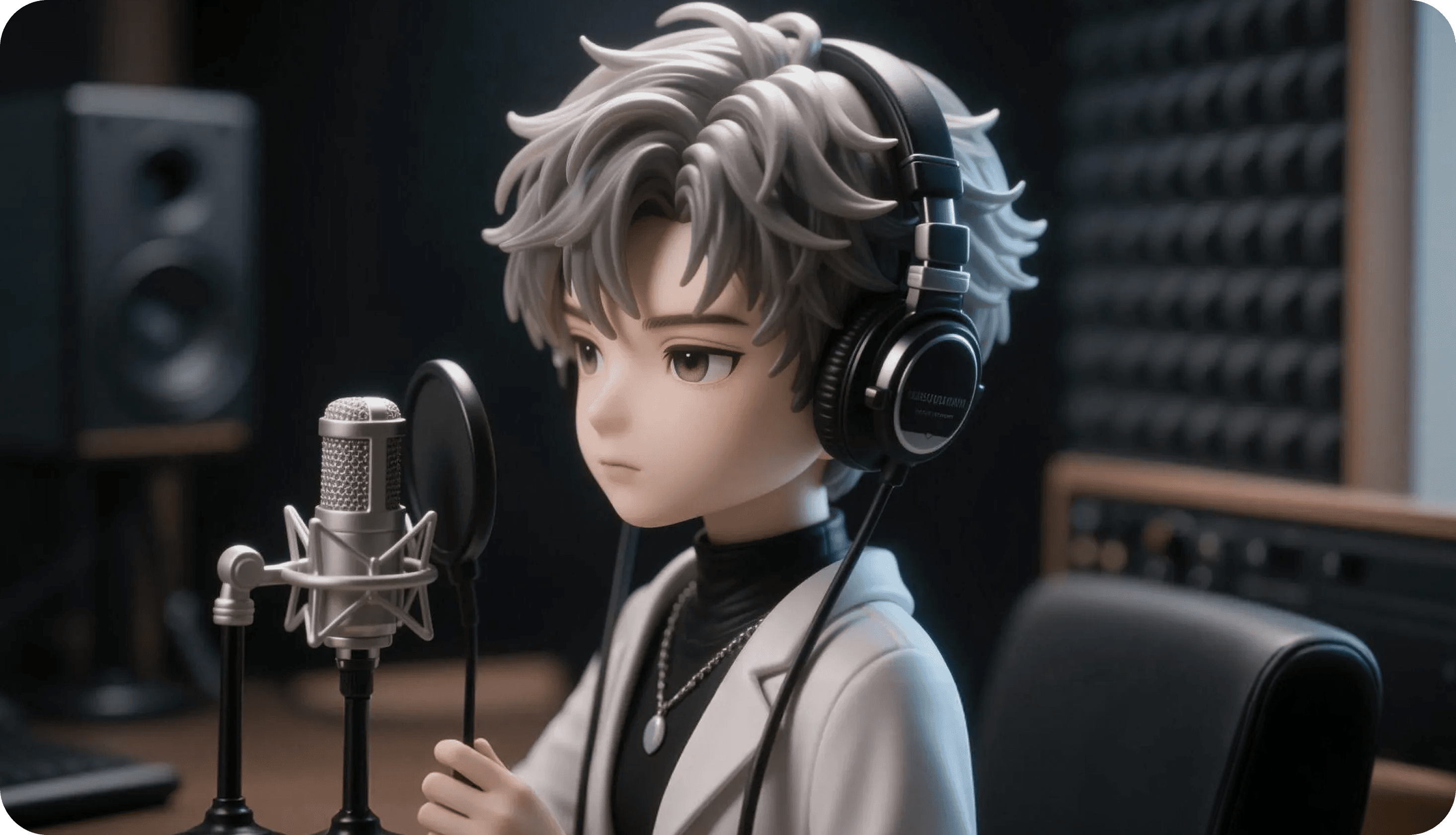
Test different anime directions from the same image, from softer portrait looks to more dramatic scene styling.
“It gave me anime-style profile images that still looked like me, which was exactly what I wanted.”
“This was much better for fan edits than starting with a text prompt from scratch.”
“The before-and-after feel makes this page really useful for visual posts.”
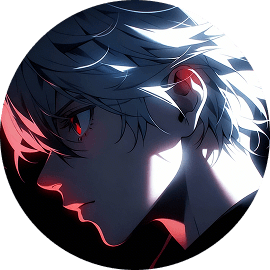
“I liked that the original photo still felt recognizable after the style change.”
“It works especially well for avatars and creator branding experiments.”
“I got cleaner results here than with the broader anime image tools.”
“Useful when I want to show a stylized version of a portrait without rebuilding the shot.”
“Great for social content because the transformation is easy to understand at a glance.”
“This made it much faster to create anime-style edits from real pictures.”
“The different style directions gave me more range than I expected from a photo tool.”
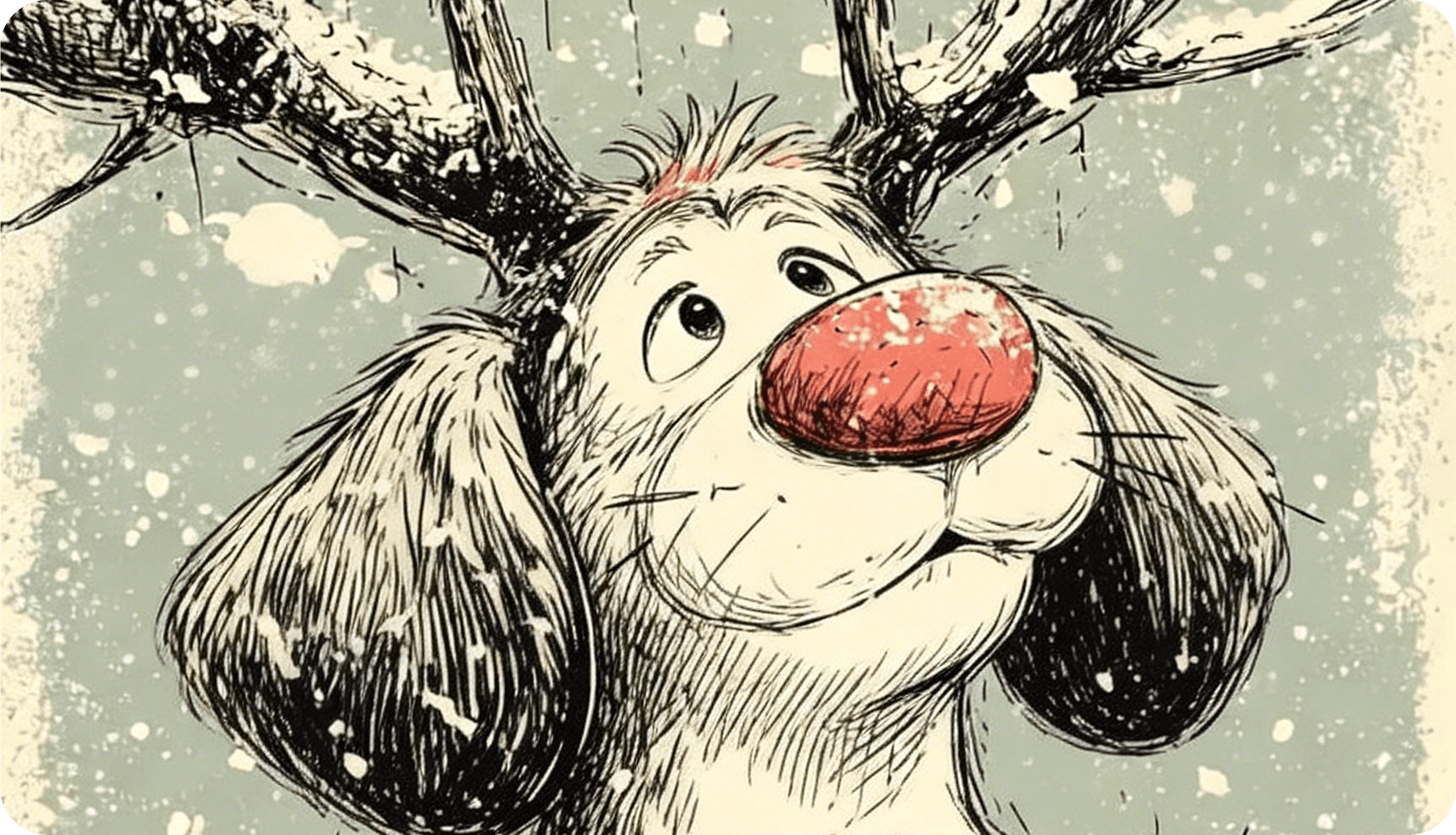
anime avatars and profile images
stylized portrait edits for social media
fandom-inspired before-and-after visuals
anime-style personal branding graphics
transformed selfies for creator posts and bios
Upload a clear portrait, selfie, or photo with a readable subject.
Choose the anime direction that best fits the look you want.
Generate several versions and keep the one that balances likeness and stylization best.
This workflow is stronger when you want to preserve the original image while shifting the style.
It starts from a real image instead of making you rebuild everything with text.
It works especially well for portraits, avatars, and recognizable personal images.
It gives you faster before-and-after style results for social and creative use.

It uses your uploaded image as the base and transforms the rendering into a more anime-style result.
Portraits, selfies, and photos with clear subjects usually give the strongest outputs.
Yes. Anime avatars and profile images are one of the strongest use cases for this page.
Photo To Anime starts from your image, while an anime art generator usually starts from text.
Yes. It works well for icons, social visuals, and profile assets that need a more stylized look.
Usually yes, especially when the source photo is clear and well lit.
Yes. It is a strong fit for before-and-after content and stylized transformations.
A clean image with one obvious subject, readable lighting, and minimal visual clutter.
Upload a portrait or scene and create anime-inspired images for avatars, edits, and social-ready visuals.